s!mpL3 LAN Messenger
Chat, calls, screen sharing and file transfers between the computers on your network. Everything goes directly from computer to computer, so there is no server to run and nothing leaves your network.
It takes a minute to set up: run it, pick a language and a name, and everyone else on the network running s!mpL3 LAN Messenger appears in your list. You can be connected to up to four networks at once.
Features
Voice and video calls
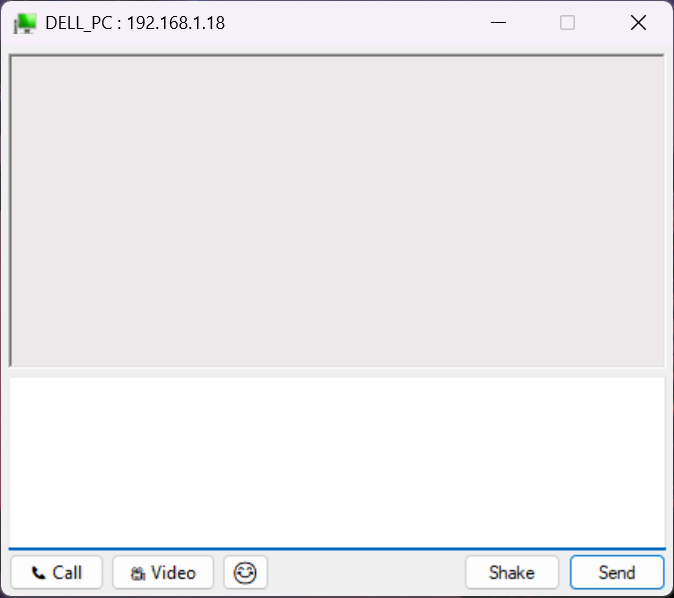
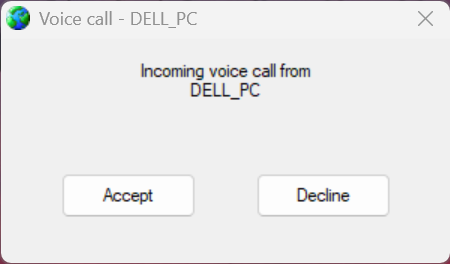
Call anyone on your network from their chat window. Mute, speaker choice, call timer and a connection quality indicator included.
Screen sharing and remote control
Show your screen during a call. With their permission you can take control of theirs, and Ctrl+Alt+End always hands it back.
Fast file transfers that resume
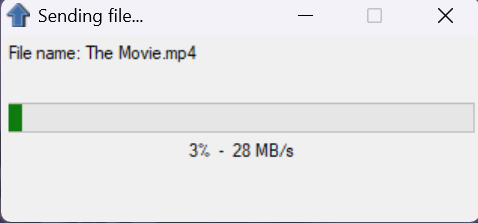
Send files and whole folders, several at once. If the network drops, sending again continues where it stopped.
Messages for people who just left
Keep writing when someone goes offline. Your messages are delivered as soon as they are back.
Typing indicator and chat history
See when the other person is typing, and reopen a chat with your recent messages already there.
Six languages
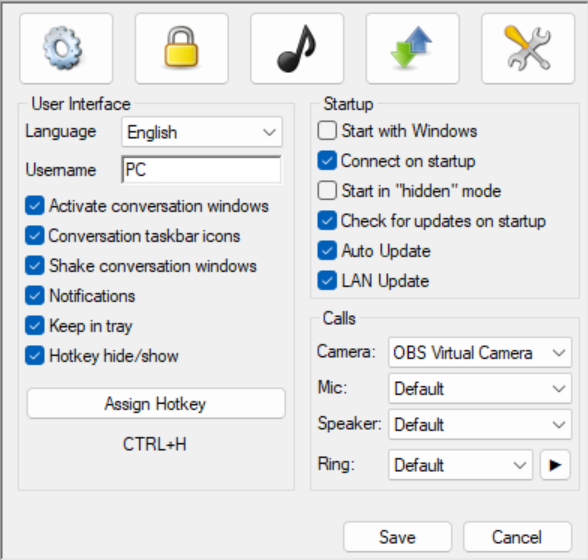
English, Greek, French, German, Italian and Spanish, plus emoji and text in any language.
Signed updates
Every update, online or from another computer on the LAN, is checked for a valid signature before it installs.
Encrypted and serverless
Messages and files are encrypted with AES-256 and checked for tampering, and go straight between computers. No server, no account, no internet needed.
Hide-key
One key combination hides or shows every s!mpL3 window instantly, optionally protected by a password.
LAN Update
Update one computer from the internet and the rest of the network can update from it.
Block and unblock
Stop someone from contacting you, and let them back in whenever you like.
Sounds and notifications
Your own sounds for messages, shakes, people connecting and incoming calls.
Screenshots
System requirements
- Windows
- 7, 8, 8.1, 10 or 11, 32-bit or 64-bit
- Network
- A local network (wired or Wi-Fi) shared with the other computers
- Calls
- Windows 10 or 11 with the Microsoft Edge WebView2 Runtime (included in Windows), a microphone and optionally a camera
- Internet
- Only to check for updates